Gemini in Google Forms now analyzes responses and suggests next steps
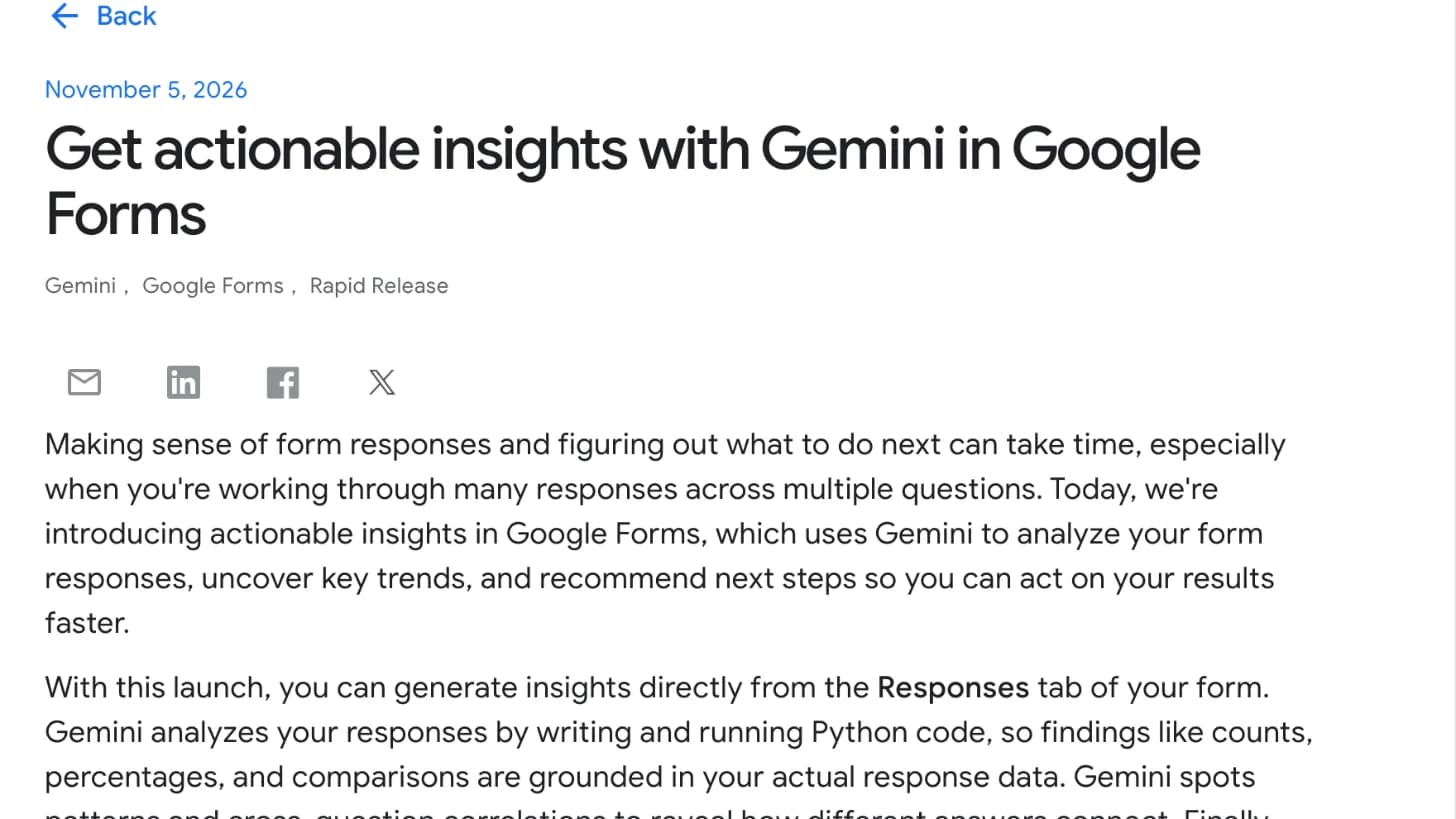
Google Forms has a new feature called actionable insights. You start it from the Responses tab of a form. Gemini then reads the responses, finds the main trends and suggests what to do next. Google says Gemini writes and runs Python code for this, so counts, percentages and comparisons come from your real response data. It also looks for links between answers to different questions, then sums up the key points.
Google names three good fits: event and product feedback, research surveys, and registration or application forms. The feature is for Business Standard and Plus, Enterprise Standard and Plus, Education Plus, and some consumer Google AI plans. Rapid Release domains started to get it on November 2, and Scheduled Release domains start on November 19. Each rollout can take up to 15 days. To use Gemini in Workspace apps, users need smart features and personalization turned on, which admins can set in the Admin console.
What it means for your work
- After an event or a survey: Run the insights first, then read the raw responses behind any finding you plan to act on.
- For forms with many questions: Use the links between answers to see which groups of people gave which answers.
- If you run Workspace: Check that smart features and personalization are on for the teams that use Forms the most.
For more on Gemini across Google's apps, see our Google Gemini review.