Gemini comes to Apple CarPlay for email catch-ups and meeting prep while you drive
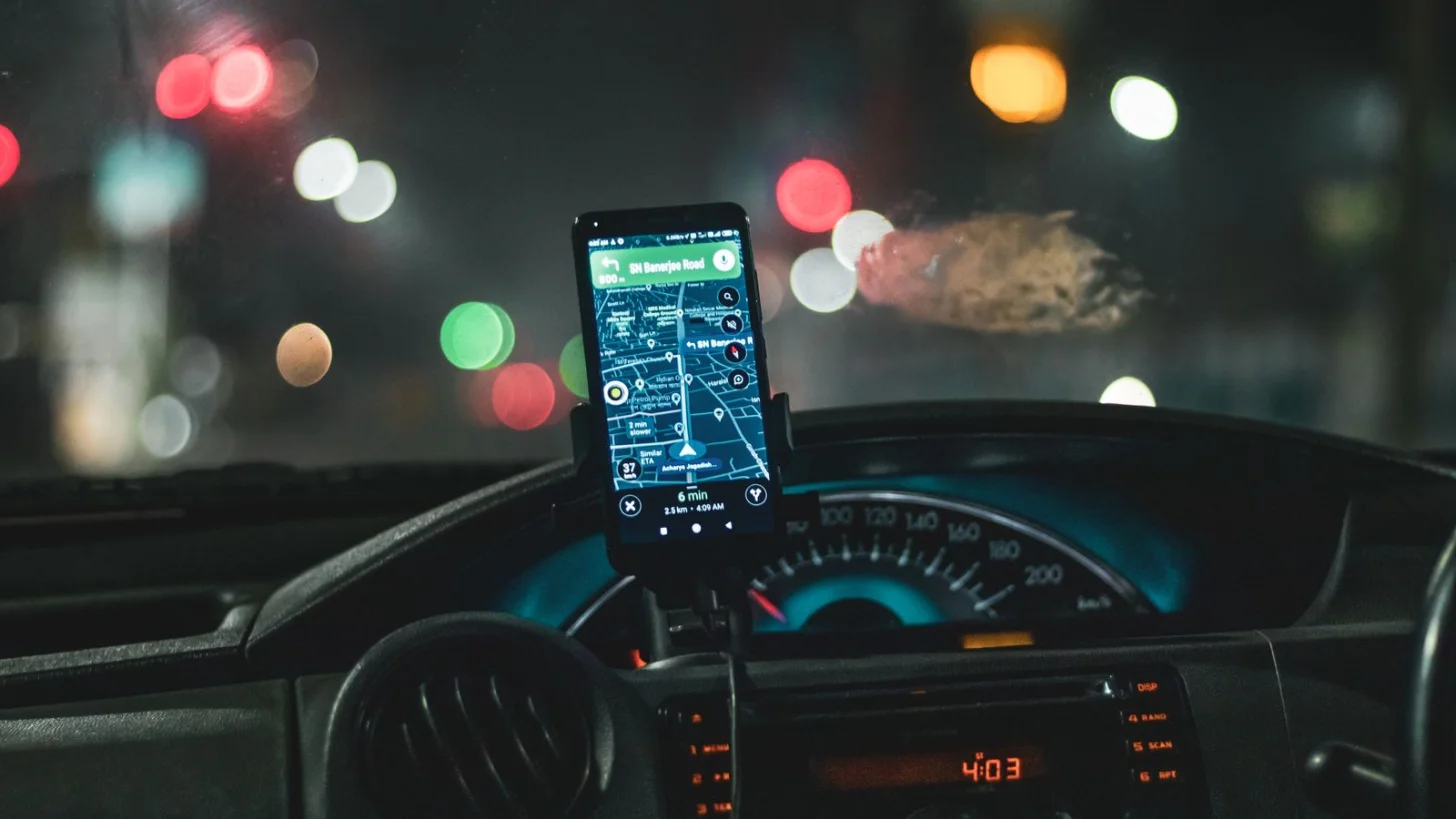
Google said on November 11 that the Gemini app is now on Apple CarPlay. On the car's screen you can start a new conversation with Gemini Live or continue a recent one, by voice and without your hands.
Gemini connects to Google apps such as Gmail and Google Calendar. On the drive, you can ask what is on your calendar, when to leave for your next appointment, or how to prepare for a 10 AM meeting. You can also ask for your daily brief, a catch-up on unread email, a summary of a long thread, and help to talk through a short reply.
Google also suggests the car for practice. You can rehearse a presentation, prepare for a hard conversation, or ask Gemini to play a skeptical VP and challenge your plan. The conversations sync to the Gemini app on your iPhone, so your notes are there when you park.
Gemini on CarPlay is rolling out to all Gemini users on iOS. To start, update the Gemini app, allow the microphone and use Gemini Live on your phone once. Daily Brief must be turned on first, and it is not available in the European Economic Area.
What it means for your work
- For commuters: Ask for your daily brief on the way in, so you start the first meeting ready.
- For salespeople: Rehearse a pitch out loud, then read the chat on your phone before you go in.
- For everyone: Keep your eyes on the road, and check any reply Gemini drafts before you send it.
Gemini is also in more Gmail accounts now. See our report on Gemini in Gmail for all Workspace users.