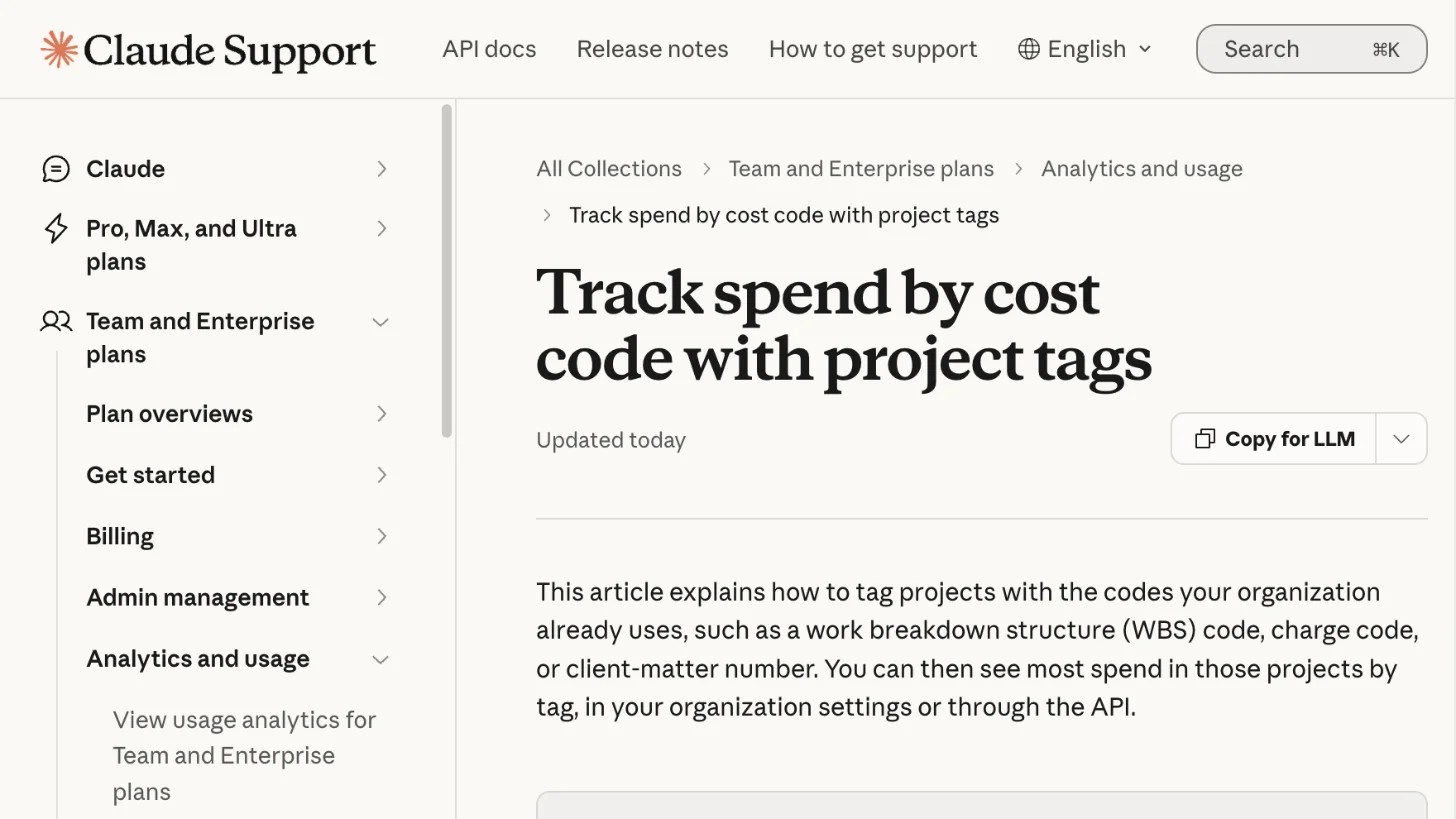
Claude Enterprise can now track spend by cost code with project tags
Anthropic added project tags to eligible Claude Enterprise organizations on November 6, as a beta. They are not available to organizations with a HIPAA setup, zero data retention or data stored outside the US. An owner creates a tag, such as cost_code or client_matter, and its values, such as a charge code or a client-matter number. Anyone who can edit a project then sets the value for that project. A project can carry up to 16 tags.
Owners and roles with analytics and billing access can then see spend grouped by tag under Organization settings, Usage, Spend by project, and export it as a CSV. The same data is available through the Analytics API.
Tags count chat and Cowork work inside a project, Cowork tasks on your computer, and Claude Code once a user sets the project in a settings file. They do not cover Claude in Slack or Teams, Claude for Office, Claude in Chrome, or work outside a project. Spend counts toward a tag only after the tag takes effect, which takes about two hours, and earlier spend is not moved. Usage covered by seats is not counted.
What it means for your work
- If you bill clients: Set up a tag for each client or matter before work starts, so the spend lands under the right code.
- If you use Claude Code: Add the project ID to your settings file, or your sessions will show as "Not in a project."
- Keep names safe: Everyone in the organization can see tag names and values, so leave sensitive details out.
For other new admin tools, see our report on the Claude Enterprise security center.